Free to start.
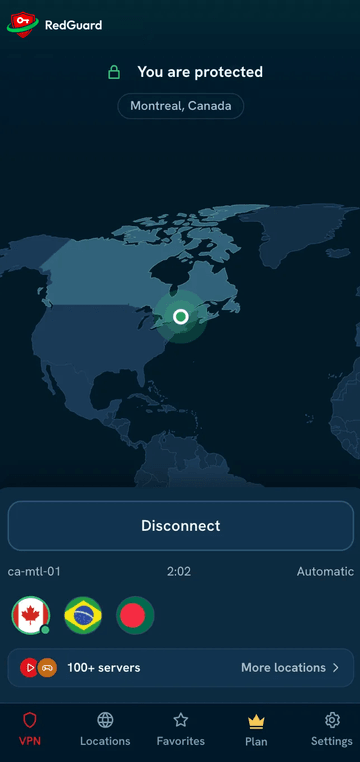
One tap to private, encrypted browsing.
100+ servers40 countries


- Internet
- Encrypted tunnel
- You
- Hackers
- Trackers
- Your internet provider
What is a VPN?
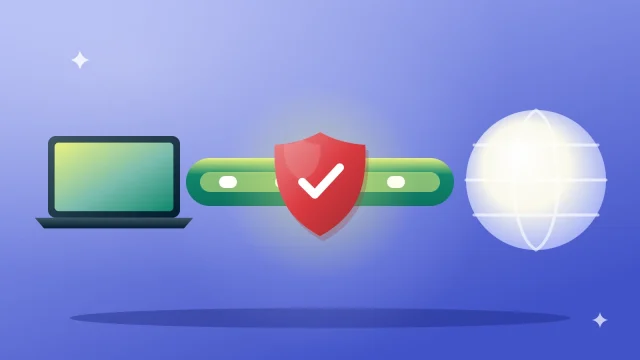
A VPN sends your internet traffic through an encrypted tunnel to a VPN server before it goes out to the internet. Hackers on shared Wi-Fi, trackers and your internet provider see only scrambled data, not the sites you visit or what you send.
Free first month
Your first month of Premium is free
No charge for 30 days. Cancel anytime.
Card required · $4.99/month after 30 days

Today$0.00Full Premium starts now
From day 31$4.99/monthunless you cancel
- Card required. No charge for 30 days.
- We email you a reminder on day 27, 3 days before your trial ends.
- Cancel in the app before day 31 and you pay nothing.
- 30-day money-back guarantee on your first payment.
Prefer no card? Sign up free for 3 days of Premium, then stay on Free.
Private. Open. Fast.
Three things a VPN should do well, every day.

Private
Encryption keeps what you do online between you and the sites you choose.

Open
Reach the open internet over a secure connection, wherever you are.

Fast
Servers built for everyday speed: browsing, calls and streaming.
One account. All your devices.
Protect every phone, tablet and laptop. All downloads



Apple, the Apple logo, iPhone and iPad are trademarks of Apple Inc., registered in the U.S. and other countries. App Store is a service mark of Apple Inc. Google Play and the Google Play logo are trademarks of Google LLC.
Security that works in the background
Protection that stays on, even when something goes wrong.

Kill switch
If the protected connection drops, the kill switch stops your traffic at once, so nothing travels unprotected.

No-logs policy
Our no-logs policy sets out exactly what we store and what we don’t. Read the policy.
Everything you need to stay private
Simple to use, with the features that matter.

Strong encryption
Traffic encrypted between your device and our servers.

Kill switch
Stops traffic if the protected connection drops.

No-logs policy
See our policy for exactly what we store.

Safe public Wi-Fi
Protection on café, hotel and airport networks.

Multi-device
One account for your phone, computer and more.

Locations worldwide
Pick a location near you or wherever you travel.

Fast connections
Built for browsing, calls and streaming.

Auto-connect
Protection turns on when you join an unknown network.

Private browsing
Hides your IP address from the sites you visit.

Modern protocols
Choose the protocol that suits your network.

Help when you need it
Setup guides and a support team to contact.

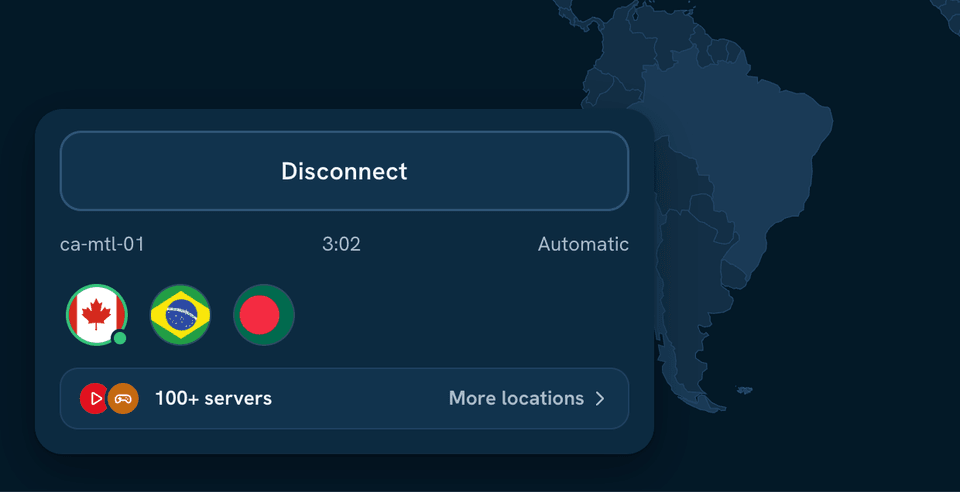
100+ servers in 40 countries
Connect near you for speed, or anywhere you travel.

- 100+servers
- 40countries
See all locations (40)
- Argentina 1 location
- Australia 3 locations
- Austria 1 location
- Bangladesh 1 location
- Belgium 1 location
- Brazil 2 locations
- Canada 3 locations
- Chile 1 location
- Colombia 1 location
- Czech Republic 1 location
- Denmark 1 location
- Finland 1 location
- France 2 locations
- Germany 3 locations
- Greece 1 location
- India 4 locations
- Indonesia 1 location
- Ireland 1 location
- Italy 2 locations
- Japan 2 locations
- Malaysia 1 location
- Mexico 2 locations
- Netherlands 2 locations
- New Zealand 1 location
- Norway 1 location
- Philippines 1 location
- Poland 1 location
- Portugal 2 locations
- Romania 1 location
- Singapore 1 location
- South Africa 2 locations
- South Korea 1 location
- Spain 2 locations
- Sweden 2 locations
- Switzerland 2 locations
- Thailand 1 location
- United Arab Emirates 1 location
- United Kingdom 3 locations
- United States 7 locations
- Vietnam 2 locations
Made for everyday life
At the café, on the sofa, or on the road.

Safe on public Wi-Fi
Cafés, hotels and airports are open to anyone. RedGuard VPN encrypts your connection so others on the network can’t read it.

Streaming and gaming
Connect to a nearby server for smooth video and games on the go.
Use of streaming and gaming services is subject to their own terms.
Try Premium with confidence
Try Premium. If it isn’t right for you, request a full refund within 30 days of your first payment.

30 days Money-back guarantee
Questions, answered
Is RedGuard VPN really free?
Yes. The Free plan costs nothing, ever, and needs no payment details. It includes a limited choice of server locations. Premium adds every location and feature.
How does the Premium free trial work?
Free sign-up: 3 days of Premium, no credit card. Then you stay on Free. Monthly plan: first 30 days for $0.00 with a card, then $4.99/month unless you cancel. We email you a reminder on day 27, 3 days before your trial ends. Cancel anytime in the app or in your account on our website (Account → Subscription → Turn off auto-renewal); cancel before day 31 and you are not charged.
How your free month works
 Today$0.00. Full Premium starts now.
 Day 27We remind you before your trial ends.
 Day 31$4.99/month, unless you cancel. Cancel anytime in the app.
What does the money-back guarantee cover?
Paid plans: 30-day money-back guarantee, starting from your first payment. Who is eligible: Every plan has the 30-day money-back guarantee: anyone who pays for Premium on our website, on any plan, can ask for a full refund within 30 days of the first payment. Plans bought through a mobile app store are refunded by that store, under its own rules. How to ask: Email support from the address on your account, include your order number, and ask for a refund. We confirm by email. Refunds are paid to your original payment method within 10 business days. Separately, customers in the EU and UK have a 14-day right of withdrawal under consumer law.
Is using a VPN legal?
Using a VPN is legal in most countries. Some countries restrict or regulate VPN use. You are responsible for following the laws where you are, and our Terms and Acceptable Use Policy apply to everyone using RedGuard VPN.
Can I use RedGuard VPN for streaming and gaming?
Yes. Connect to a nearby server for smooth video and games. Use of streaming and gaming services is subject to their own terms, so please check and follow them.
Does RedGuard VPN keep logs?
Our no-logs policy explains exactly what we store and what we don’t. Read it in the Trust Center.
From the blog
Plain-language guides to staying private online.
Guides
What is a VPN, and do you need one?
A VPN creates an encrypted tunnel between your device and the internet. Here is what that protects, what it doesn’t, and when…
Read more: What is a VPN, and do you need one?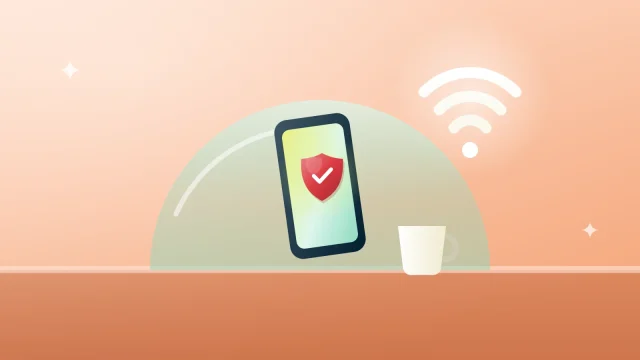
Security
Staying safe on public Wi-Fi
Café, hotel and airport networks are convenient and open to anyone. A few habits, and a VPN, keep your connection private.
Read more: Staying safe on public Wi-Fi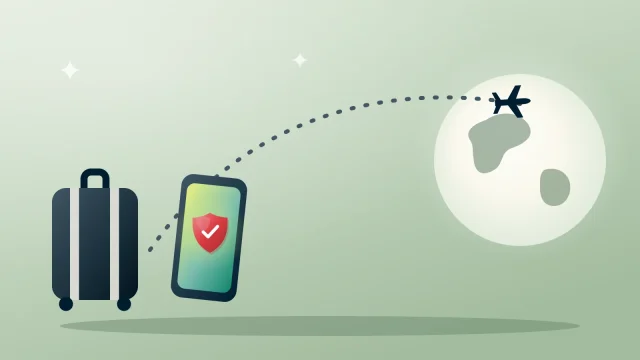
Travel
Travelling with your phone and laptop
A short checklist for keeping your accounts and data safe while you are away from home.
Read more: Travelling with your phone and laptop